
Adult Clothing · Starting a Brand
How to Create Clothing SKUs for Your First Collection
Create one stable SKU for each clothing variant that you need to order, count or sell separately. Start with your actual style, color and size list, choose a consistent code format, and keep one master register linking each code to the correct garment. Before launch, use a pretend order to check that the code leads to exactly one variant. A SKU identifies the product; it does not confirm stock availability or replace a barcode requirement from a retailer.
This guide is for an adult clothing brand preparing its first collection. The codes below are worked examples, not actual GoVoloom products, customer orders or an industry numbering standard. If you are still choosing the range itself, first work through your first collection’s styles, colors and sizes.
1. Define what needs its own SKU
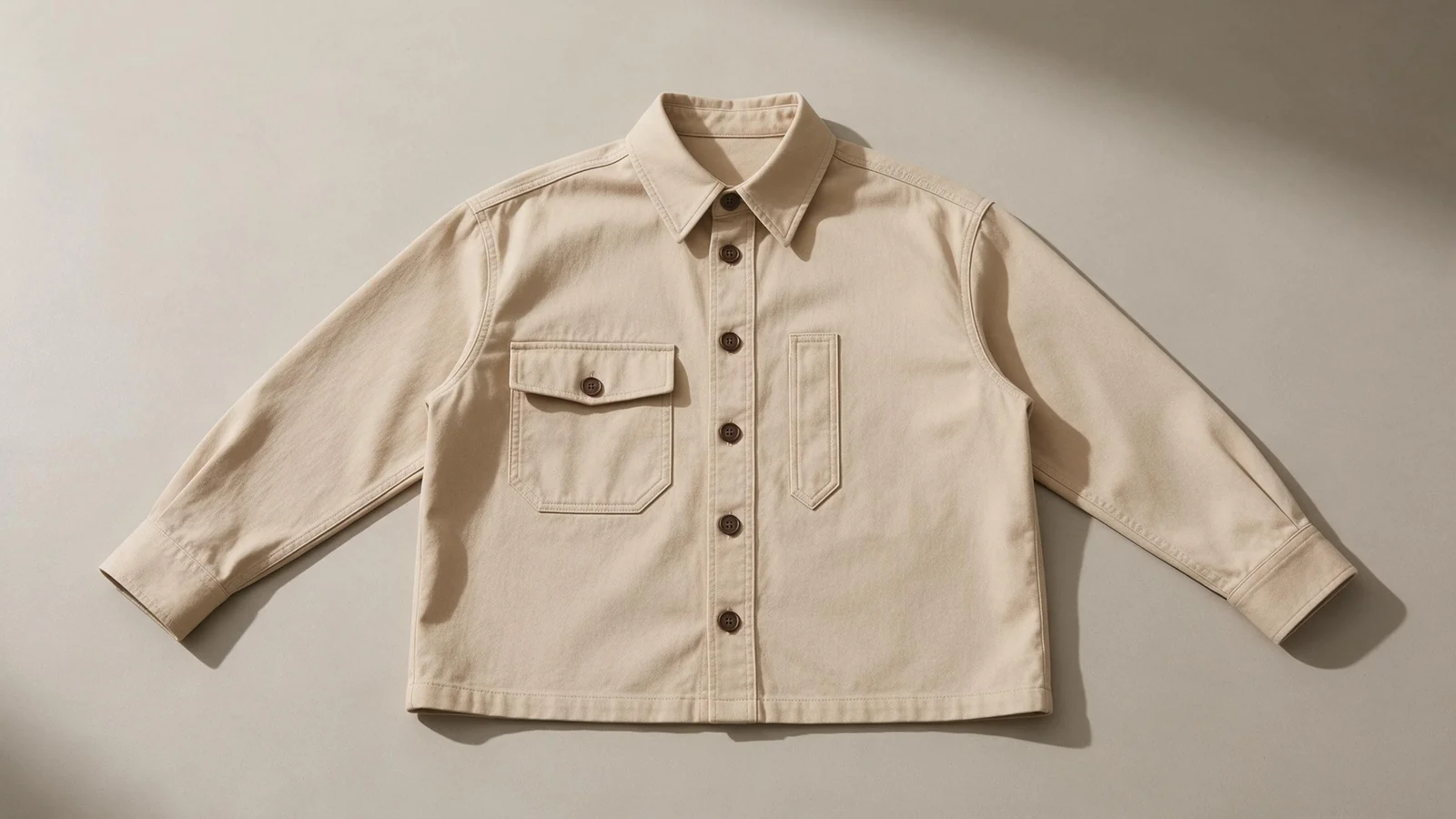
A style groups related versions of a garment. A sellable variant identifies the particular option someone can request. A burgundy tee in medium and the same tee in large need separate records if you sell and count them separately. Ten interchangeable units of the medium tee can share one SKU; you do not create ten different SKUs just because there are ten pieces.
If you offer another independently selectable option, such as trouser inseam length, include it in the variant record and identifier too. The simple style–color–size examples below assume there is no additional option. Write the offered combinations first. If navy is available only in medium and large, do not automatically create a navy-small listing because burgundy has that size. An unoffered combination and a sold-out variant are different situations: one is outside the range, while the other is an existing item with no available stock.
Use this question to resolve an ambiguous row: could someone pick either item for this order without changing what the customer chose? If the answer is no because the color, size, fit or product specification differs, the records need to distinguish them. This is a practical catalog check, not a substitute for a retailer’s identification rules.
2. Choose a format you can keep using
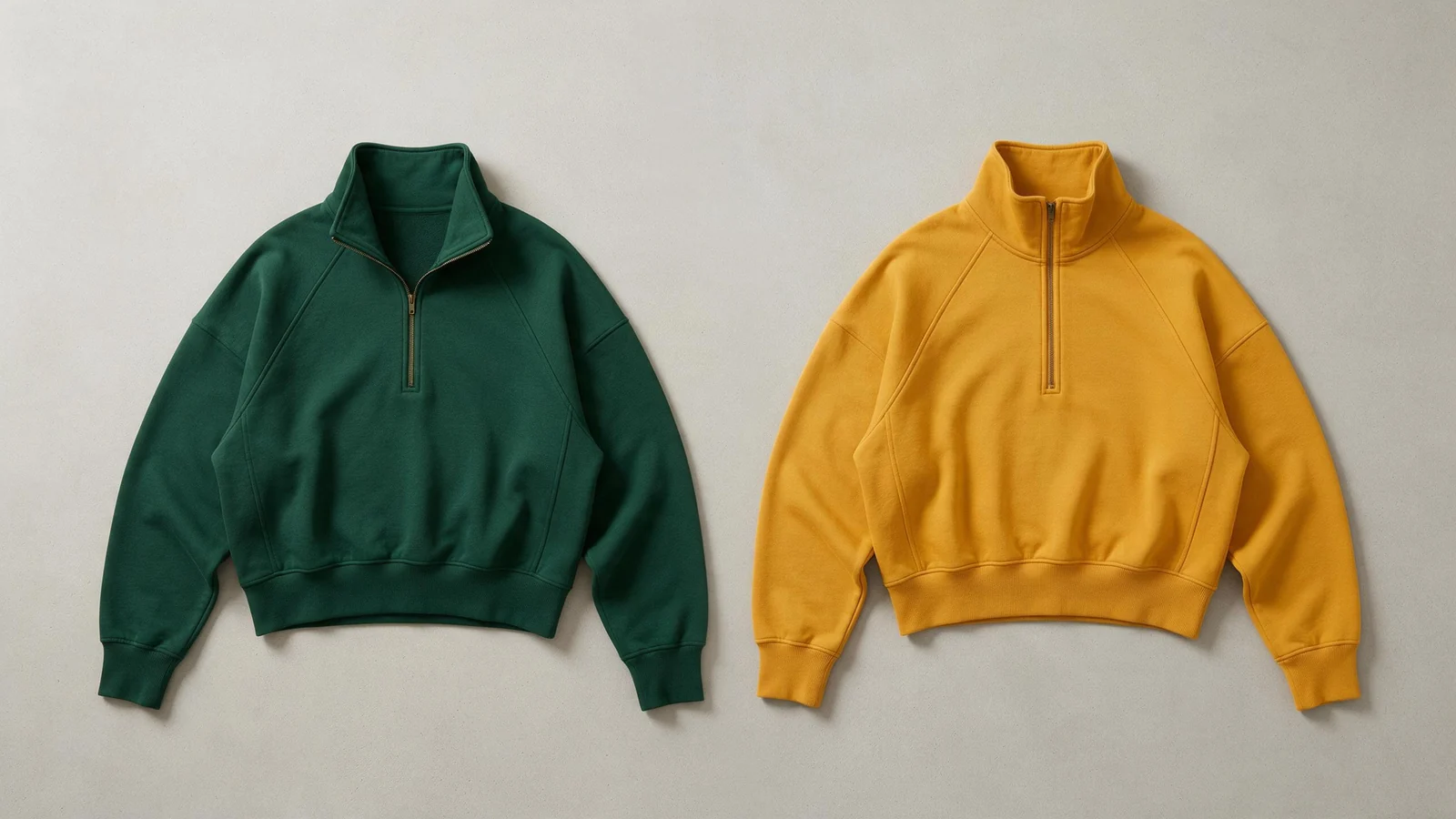
For a small first collection, a style–color–size format is a useful starting point. For example, T214-BUR-M can mean style T214, burgundy, medium. The style record holds the longer garment description, fabric specification and fit reference. You do not need to squeeze all that information into the SKU.
- Style: allocate a stable code such as T214. Keep a separate name such as “Boxy Crew Tee” so marketing wording can change without renumbering the product.
- Color: keep a small code dictionary. If BUR means burgundy, do not also use it for brown. A code is a reference to your agreed color record, not a physical color standard.
- Size: use the actual size label and connect it to the correct measurement chart. M by itself does not describe garment dimensions.
Keep prices, stock quantities, shelf numbers and delivery dates in separate fields: they can change while the item remains the same. Avoid making two codes different only through letter case or an easily confused character. Check the permitted characters and length in every system that will receive the data before finalizing your convention.
Method references: Neat + Nimble, “Demystifying SKUs”; StartUp FASHION, “How to Create an SKU Number”; and Brahmin Solutions, “How to Create SKU Numbers.” These support consistent internal coding, not one mandatory format.
3. Build a master register before making labels
Keep one approved row for each variant, with named columns that explain the code. The following is a small fictional range: three tee variants and one trouser variant. It demonstrates the record structure, not a recommended launch quantity or size distribution.
| SKU | Style | Color code / name | Size label | Specification reference |
|---|---|---|---|---|
T214-BUR-S | T214 — boxy crew tee | BUR / Burgundy | S | T214, approved version A |
T214-BUR-M | T214 — boxy crew tee | BUR / Burgundy | M | T214, approved version A |
T214-NVY-M | T214 — boxy crew tee | NVY / Navy | M | T214, approved version A |
P087-CHR-M | P087 — wide-leg trouser | CHR / Charcoal | M | P087, approved version B |
In your working file, add a reference image, the linked size chart, product status and the person responsible for approving changes. Keep supplier style references and any required GTINs in their own columns. Record stock quantities, holds and locations separately so one product row does not turn into several competing identities.
The specification reference matters when two garments share a broad name. “Charcoal trouser, M” could refer to two different cuts. Decide which style each cut belongs to before assigning size variants; a size change within an agreed pattern is a different decision from introducing a new silhouette.
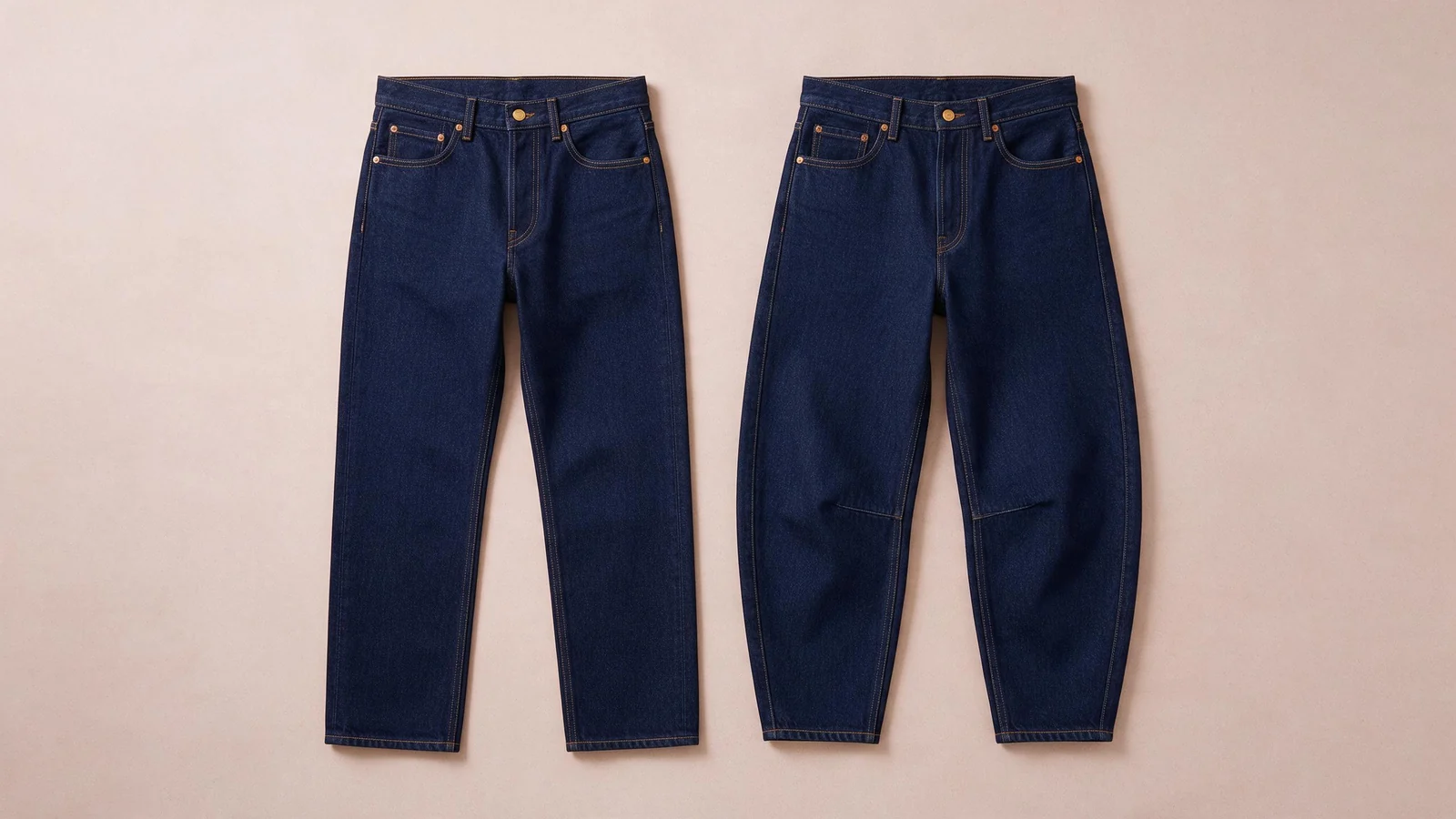
Keep your own columns as a planning register. A selling platform’s import template may require different headers and fields, so do not upload this example as though it were a ready-made import file. Preserve identifiers as text during spreadsheet work and check the exported values before transferring them.
4. Separate the SKU, GTIN and barcode
Your internal SKU and a retail product identifier answer different questions. You can create your own SKU convention, but that does not create a valid GS1 identifier. Confirm the receiving store, marketplace or fulfillment service’s requirements before producing labels.
| Term | What it identifies or carries | First-collection check |
|---|---|---|
| Style code | The garment design record used in your collection | Can the code lead to the right design and specification? |
| SKU | The particular variant in your internal catalog | Does it resolve to one offered style, color and size? |
| GTIN | A standardized global trade item identifier | If required, has it been correctly assigned to this variant? |
| Barcode | A machine-readable representation of data | Does the receiving system read the intended identifier and retrieve the right item? |
GS1’s guidance on sizes and colors says each product variation needs its own GTIN when using that identification system. Do not put the same GTIN on different color-and-size combinations merely because they belong to one style. Whether your sales channel requires a GTIN is a separate question to resolve with that channel.
Sources: GS1 GO, “What is the difference between a GS1 GTIN, a barcode, an EAN and a UPC?” and “How many GS1 GTINs do I need when I have a product with many sizes and colours?”; Shopify Help Center, “Using SKUs to manage your inventory.” Checked October 28, 2026.
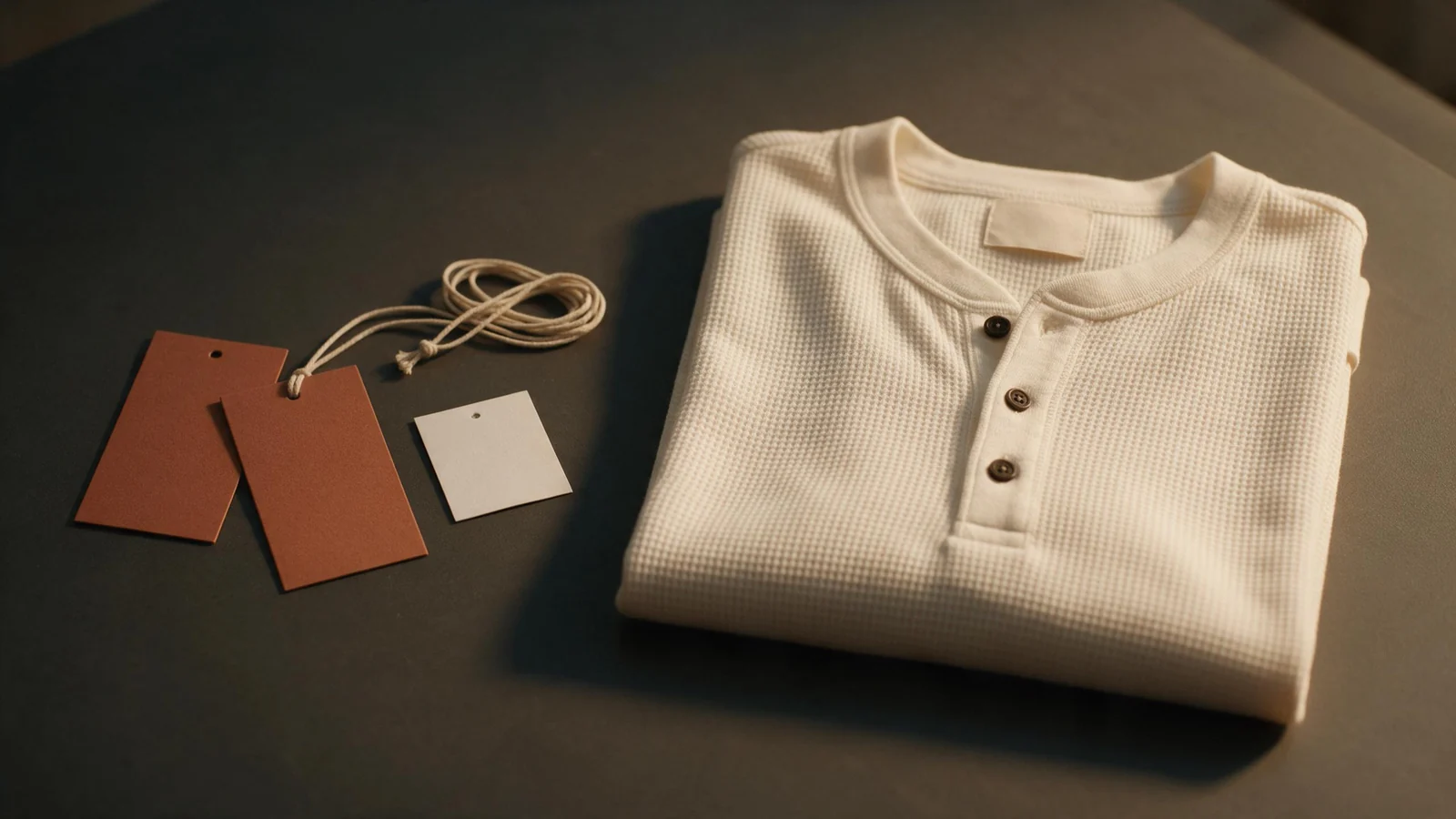
A blank hangtag, a brand label and a shipping label do not establish the identifier by themselves. Approve the data and its intended use first, then check a label proof against the register. A printed SKU also does not replace any required garment labeling information.
5. Decide what happens when something changes
Keep a short change log alongside the register. The useful distinction is whether the product changed or only information about it changed. The examples below are a suggested internal policy; apply the separate GS1 and receiving-channel rules if you use their identifiers.
| Change | Suggested record action | What to avoid |
|---|---|---|
| Marketing name changes; garment stays the same | Keep the SKU and record the former name as an alias | Splitting the same item’s history merely to refresh its name |
| Stock moves to another shelf or location | Update the location record for that SKU | Creating a new product identity for every move |
| Another batch arrives to the same agreed specification | Keep the SKU if the units are interchangeable; record the batch separately | Erasing batch information or assuming every repeat run matches |
| Fit, fabric or construction changes enough that the two versions are not interchangeable | Create a distinct product/variant record with a new SKU and link the old and new records | Silently mixing old and revised garments under one item |
| A variant is discontinued | Retire its record while preserving past references | Reassigning its old code to an unrelated new item |
Shopify’s SKU guidance specifically recommends using the same SKU for a variant across locations and tracking location quantities separately. The same distinction helps when you review sellable clothing stock: identity, physical count, holds and available quantity should be traceable without renaming the product.
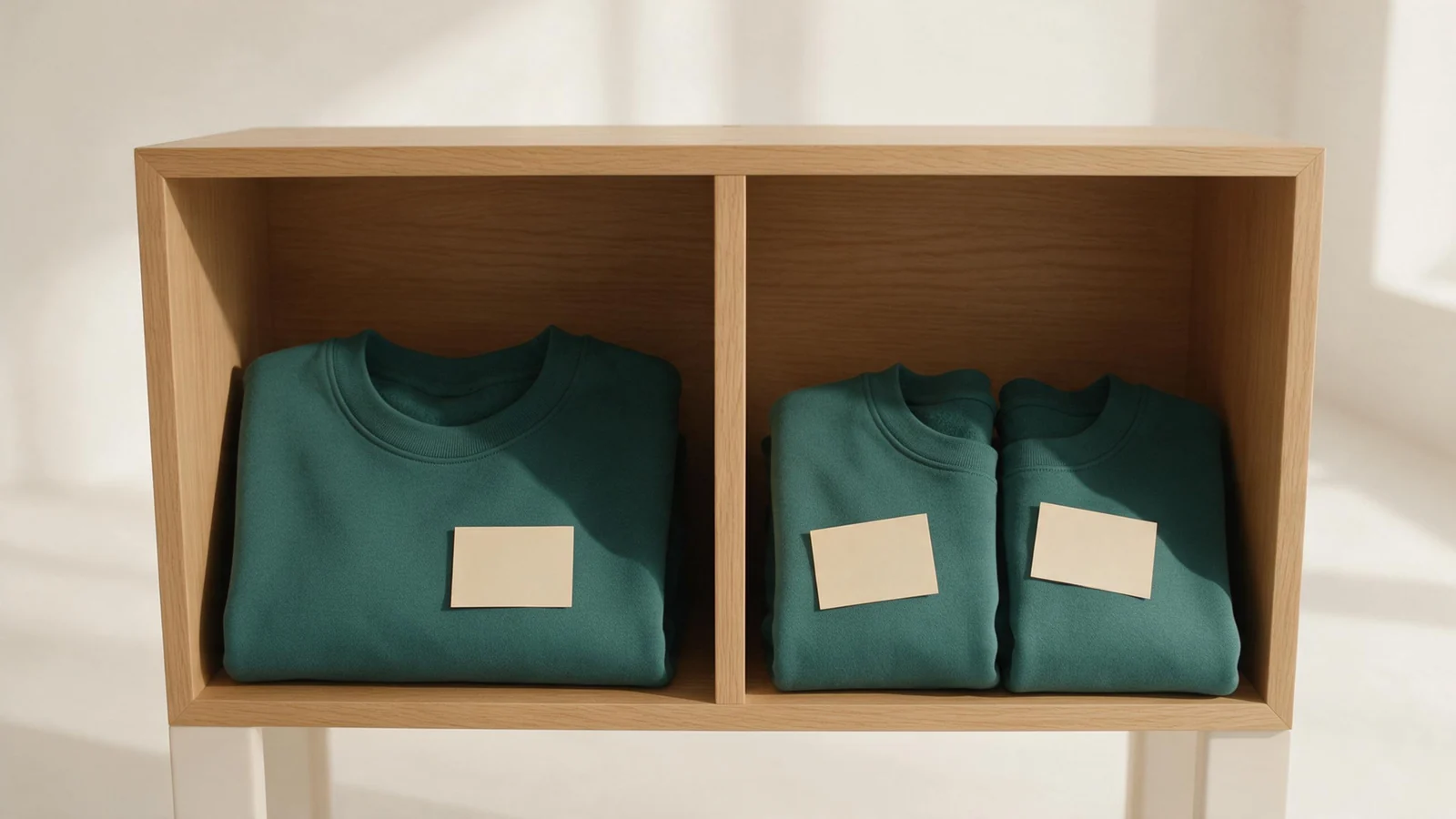
Keep links between records when a product changes. That makes your first-drop reorder review easier to interpret: sales of an old fit should not silently become evidence for a revised one.
6. Run a small check before importing or printing
Use a copy of the register and a clearly marked pretend order. This exercise checks your records without taking a payment, promising stock or sending a production instruction.
- Check uniqueness in both directions. Look for one SKU assigned to two different variants, and one variant accidentally entered under two SKUs. Sorting by SKU catches the first problem; comparing the style–color–size fields plus any additional option fields catches the second.
- Reconstruct a request. In the fictional example, request two T214-BUR-M and one T214-NVY-M. A second person should identify three units in total, distinguish the colors and find the same style specification. This is arithmetic in the example, not a stock claim.
- Check the physical match when garments are available. Compare the garment, size label and relevant product specification to the row. Similar-looking photos alone cannot confirm the correct size or fabric version. If garments are not yet available, record that the physical check remains open.
- Export and read back. Save a test copy in the format you plan to transfer, open it again and compare the identifier fields character for character. Check blanks, extra spaces, lost leading zeros and changed letter case. Before a platform import, map your fields to its current template and use its available preview or test process.
- Check the printed proof. Match human-readable text to the register. If a barcode is required, test the actual proof with the intended scanner and receiving software. A readable pattern in an image is not proof that it scans correctly.
Record who checked the file, the version reviewed and any unresolved row. Correct the master register first, then regenerate downstream copies. Do not “fix” a hangtag and leave the order sheet using the old code.
When real orders arrive, use the first clothing order packing checklist to match each requested variant to the garment, the parcel contents and the shipping label before dispatch.
7. Carry the identifiers into your next document
Once the register is consistent, use it to populate your wholesale line sheet’s style and variant details. Keep the same approved identifiers in your product records and order requests, with an explicit mapping if a retailer uses its own codes.
For manufacturing, attach the style reference and relevant variant list to your development brief. A SKU cannot explain a sleeve shape, fabric choice or measurement. Include front and back views at minimum, side details where useful, reference sizing, fabric and fit requirements, and the questions you still need to resolve.
If you want to develop the garments with GoVoloom, discuss the collection brief and identify any label-data requirements for the project. MOQ: 100 pieces. Confirm the proposed order breakdown and production details for your project; the number of SKUs in this example is not an allocation rule for that minimum.
Your first register is ready to use when a code points to one intended variant, changes remain traceable, and the same identifier survives the documents your team actually uses. Keep it small enough to maintain, and expand the range only after the current records are clear.
