
Adult Clothing · Starting a Brand
How to Create a Clothing Line Sheet for Your First Wholesale Inquiry
Create a clothing line sheet by turning your collection records into a clear wholesale offer: identify each style and its available variants, show the relevant product views, and state the price and ordering terms a retailer needs to discuss a purchase. Before choosing a layout, decide whether the document is a preview, a request for interest, or a sheet from which you are ready to receive order requests.
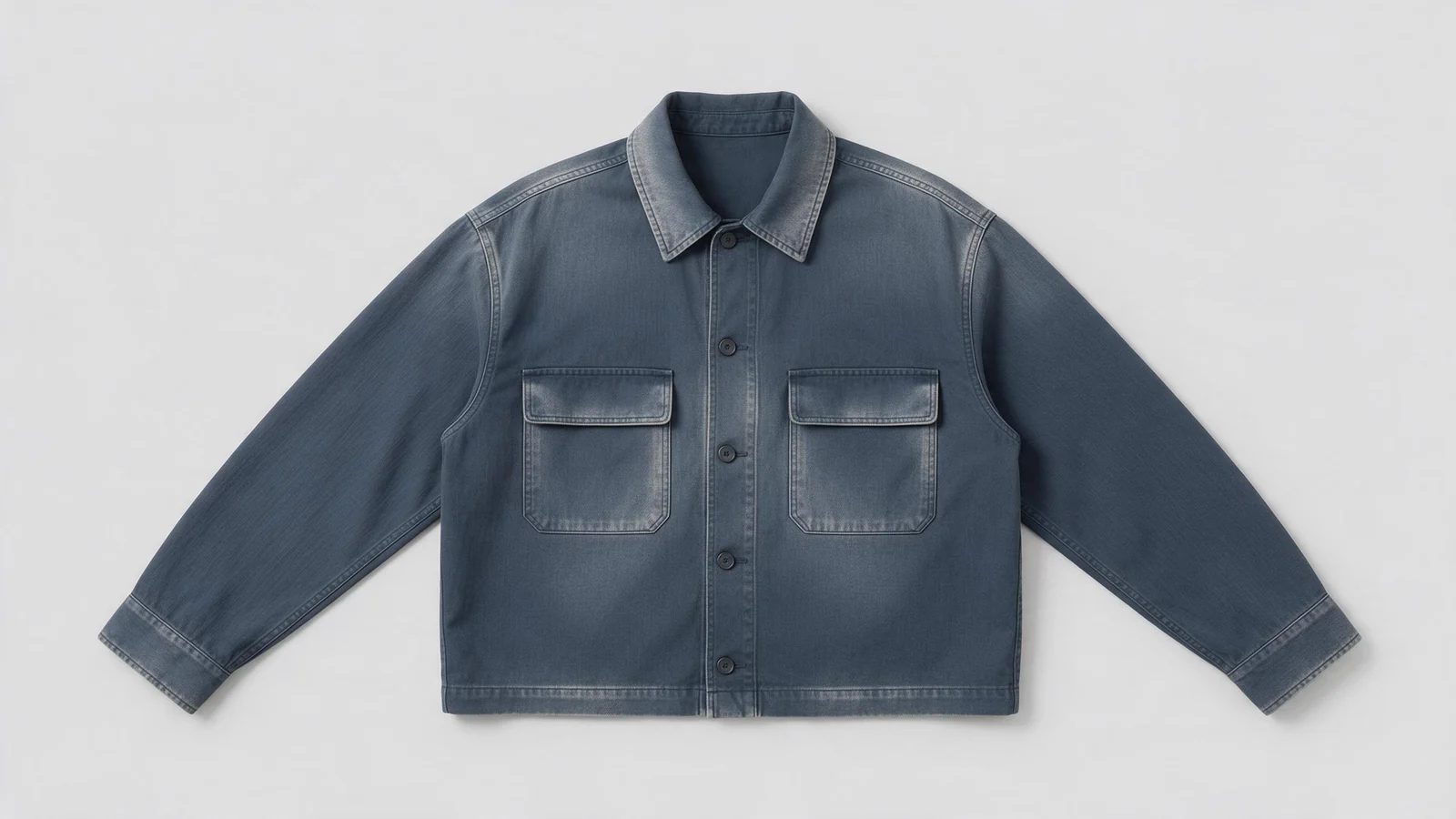
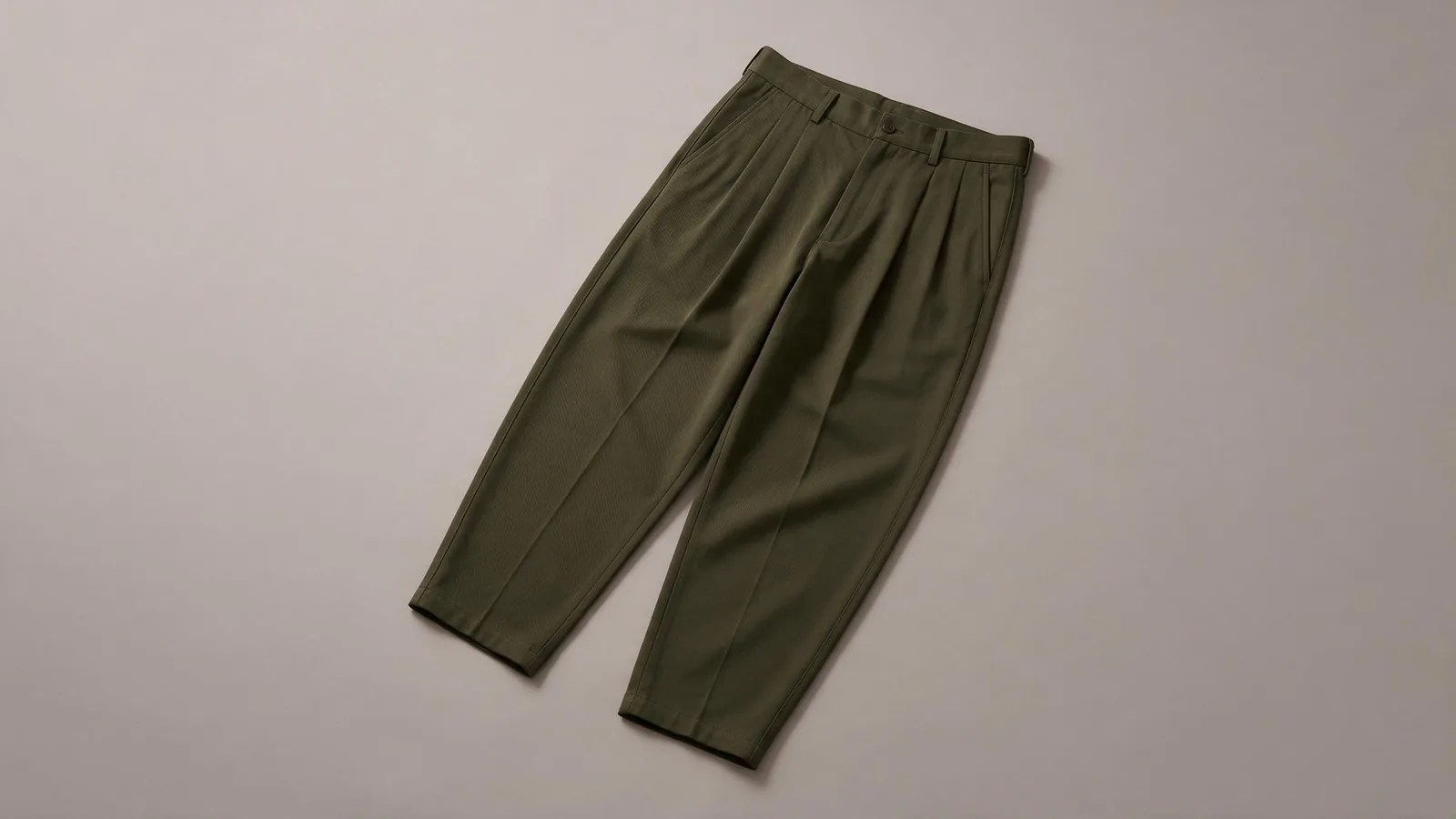
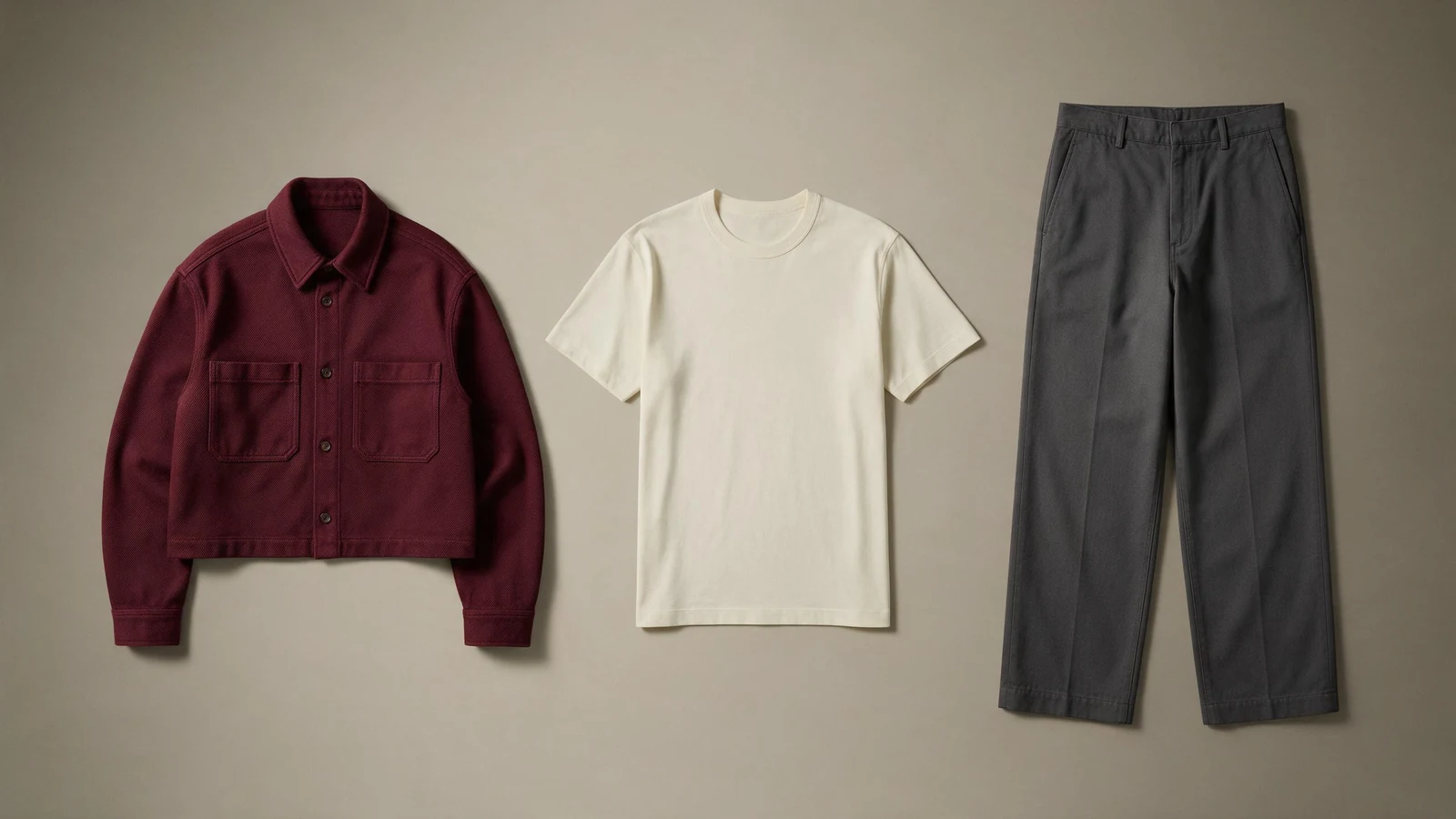
This guide is for a new adult clothing or streetwear brand preparing its first wholesale inquiry. It gives you a working structure and a final order check. For the wider sequence, use the clothing-brand launch guide. The independent garment and detail illustrations below explain information types; they do not form an orderable collection.
Still deciding whether to sell to retailers? Compare DTC and wholesale for your first clothing collection before committing to a selling route and its payment, fulfillment and stock requirements.
1. Decide what the line sheet can offer
A retailer should be able to tell what they are looking at and what response you want. A line sheet summarizes the products and commercial information needed for a buying conversation. NuORDER's Linesheets overview for brands describes this wholesale sales role; its product-portal guidance also notes that the details available vary by brand.
A lookbook can show the mood and styling of a collection. A tech pack explains how a garment is to be developed or made. Your line sheet connects a recognizable product to a buying request. It should not require the buyer to search a moodboard for a style number or inspect a manufacturing worksheet to find the wholesale price.
Use a status that matches the evidence you have. These are suggested editorial labels, not a required industry classification:
- Preview: the product is still in development; explain what remains provisional and invite interest rather than an order.
- Quote on request: the identified product can be discussed, but the buyer needs a specific quote before deciding.
- Order requests open: the offer has enough confirmed product and commercial information for a request; explain how availability and acceptance are confirmed.
A finished-looking PDF does not turn a development idea into available stock. Keep held styles outside the orderable range, or clearly separate them from it. If the document mixes stock and future production, show the status beside each affected style.
2. Connect each style to its actual variants
Use a stable style identifier, then list the color and size combinations that belong to it. Begin with your first collection's style, color and size matrix. A style heading alone is not enough when a retailer needs a particular color in a particular size.
A style code groups the design. A variant identifier distinguishes the specific item being requested or stocked. Shopify Help Center's Using SKUs to manage your inventory recommends unique SKUs for effective variant tracking. You can keep your existing identifier format; the useful test is whether everyone can match a requested item to the same product record.
List actual combinations. Do not put one shared size range beneath several colors if some combinations are unavailable. If you sell a fixed assortment pack, identify the pack and show its contents and ordering unit. A pack count and a garment count must remain distinguishable.
| Product field | What to enter | Check against |
|---|---|---|
| Style identity | Style code, short name and product revision | The agreed garment record and matching media |
| Variants | Named colors and the sizes offered in each | Actual combinations, with unavailable options excluded |
| Request identifier | Variant SKU, or an unambiguous style/color/size reference | The order form and stock records |
| Selling unit | Single garment or a defined pack with listed contents | The quantity and price basis |
| Supply status | In stock, future production or another clearly defined status | Current evidence and the stated confirmation process |
Do not assume a top and a pair of trousers share a size system because they appear in the same collection. Keep their fit and size information tied to the correct products. A retailer should be able to identify each item even when an image is printed separately from its original page.
3. Match images and facts to the product record
Choose images that identify the offered garment, then add the views needed to explain its important features. Use a consistent, readable product-card layout. Give the style code and short description enough space to remain legible on a phone or a printed page.
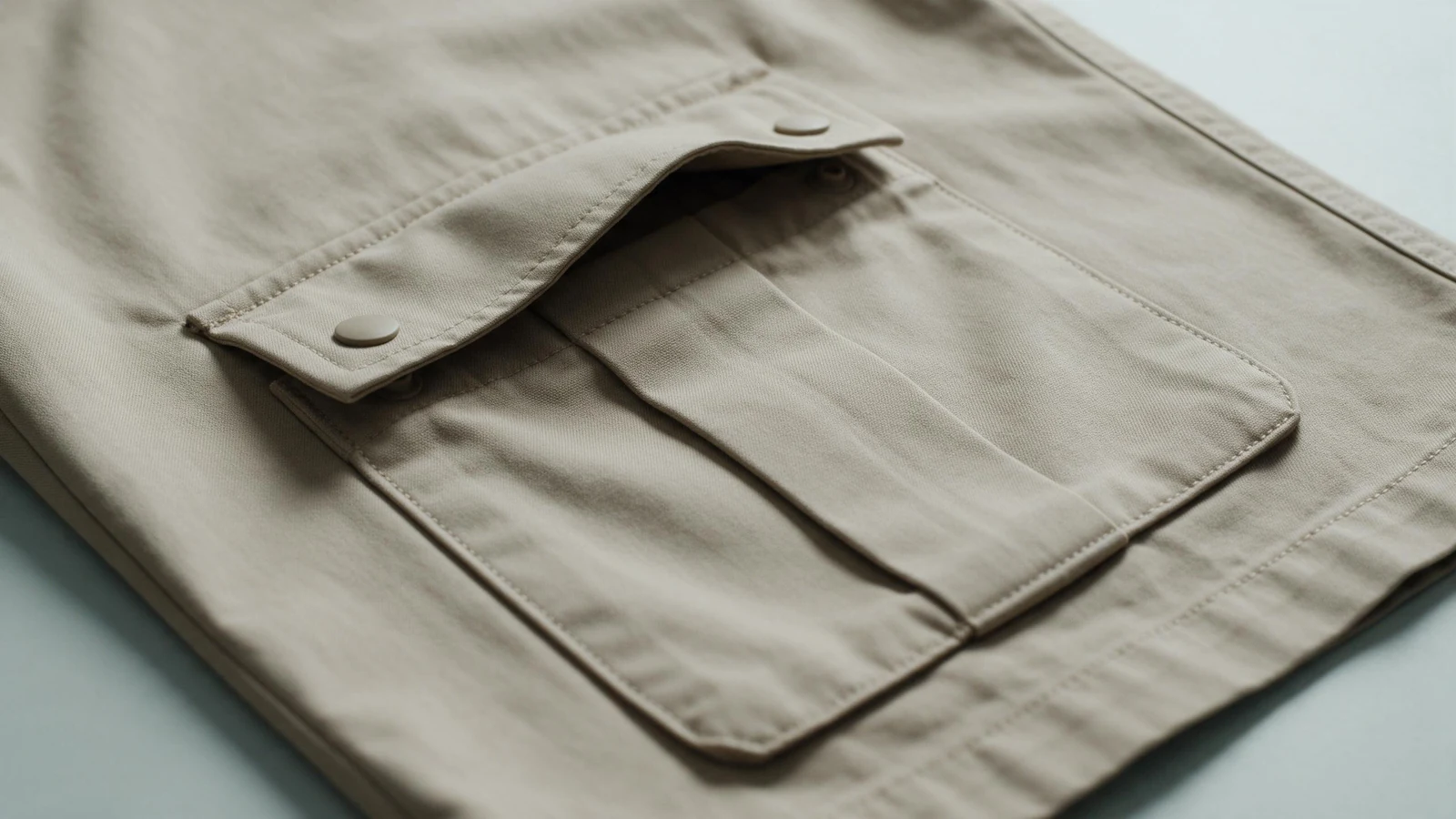
A full garment view explains the silhouette. A closure or pocket detail can clarify a feature that disappears in the small overview. An alternate view is useful when it supplies missing information; another nearly identical image may not. For an actual line sheet, verify that every view belongs to the stated style and revision. Do not assemble unrelated garment photographs into a false front-and-back set.
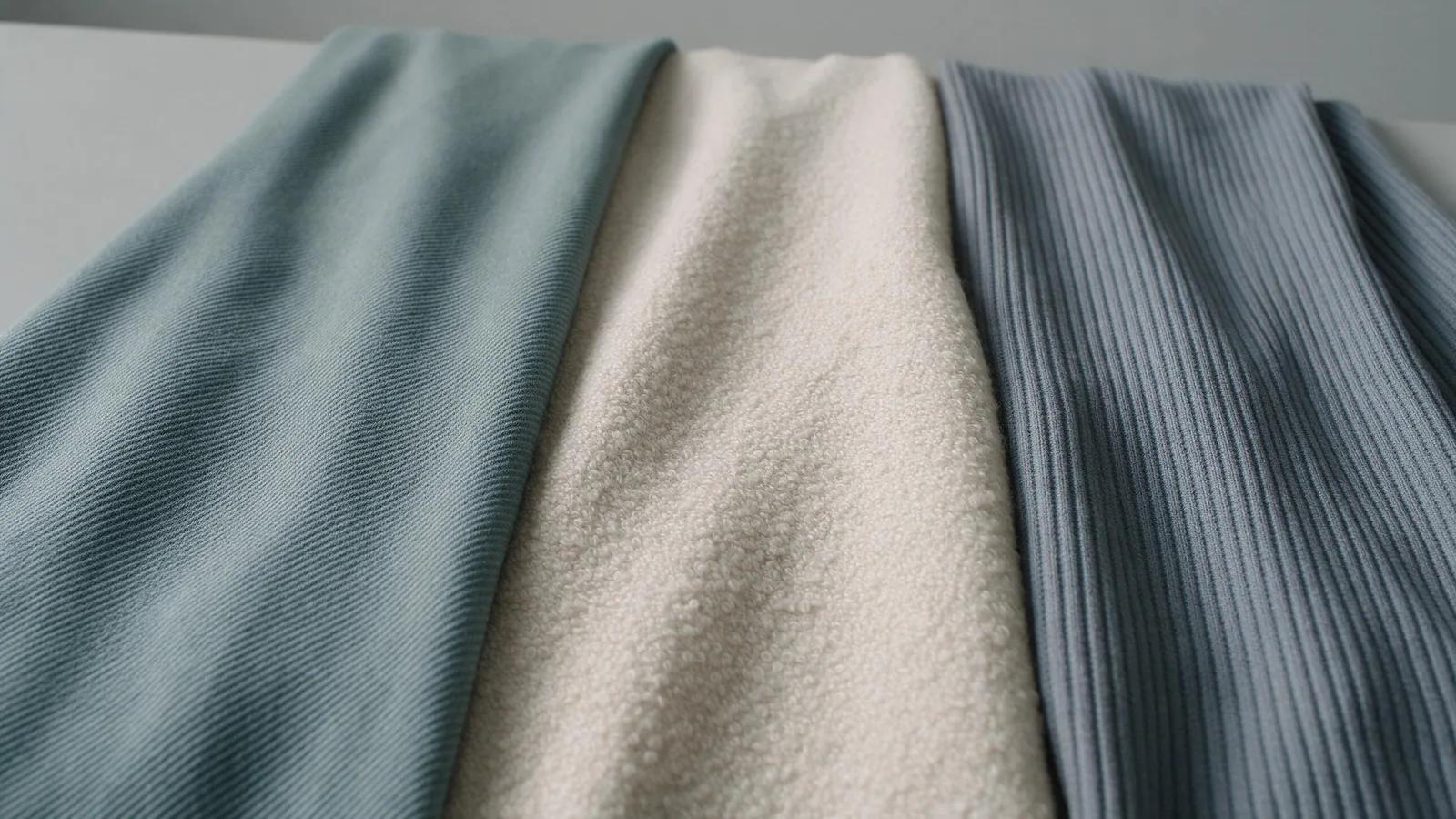
Keep the photograph's role separate from the specification. A texture view can show the surface, but it cannot establish fiber content, fabric weight, care instructions or a performance result. Use confirmed product records for those claims. A sample with one fabric is not evidence for an unreviewed alternative.
Describe only the facts useful to the buying decision: the garment type, fit or construction features, verified materials and relevant size information. NuORDER's Browse products in a brand portal separates general product information from availability and other order details; that distinction is useful even in a simple PDF. Its software fields are a reference, not a requirement to use the platform.
Review images and wording together after a design change. Our product-information checklist covers the related checks for a consumer storefront. The same product record can support both documents, while their audiences and ordering information differ.
4. Separate wholesale prices from order terms
Label the buyer's price, currency and selling unit explicitly, then state which other charges and conditions apply. A number headed simply “Price” leaves the reader guessing whether it is a factory cost, a wholesale selling price, a retail suggestion or a pack price.
If you show a suggested retail price, label it separately from the amount charged to the retailer. It does not establish the retailer's actual margin or selling price. Check your own wholesale economics using the relevant selling costs and delivery scope; a retail markup copied from another brand cannot establish that the offer works. The clothing pricing guide explains why the selling route and cost basis need their own calculation.
A styled outfit is not automatically sold as a set. If the garments are offered separately, give each its own price and request identifier. If a set is offered, specify its included pieces, options and price basis.
| Commercial field | Make explicit |
|---|---|
| Wholesale price | Currency, amount per garment or defined pack, applicable product/variant and price validity |
| Charges | Tax basis, shipping scope and other included or separately quoted charges |
| Order minimum | Whether a minimum concerns the total order, a product, a variant or a defined pack, and how it is measured |
| Quantity increments | Whether the buyer can choose individual units or must order in a specified multiple or assortment |
| Payment and changes | The terms actually offered, when amounts become due, and how changes or cancellations are handled |
| Timing and delivery | Stock or production status, the basis of the dispatch window, destination limits and what needs confirmation |
| Request route | Contact or order-form details, information required from the buyer and the acceptance process |
An order minimum, an ordering increment and a price break answer different questions. Shopify's B2B quantity guidance distinguishes these controls. Define your own rules clearly; do not copy its example quantities or assume a platform's variant-level settings define every wholesale agreement.
Your manufacturing order and the retailer's purchase are separate transactions. GoVoloom's current manufacturing MOQ is 100 pieces; this does not set your brand's wholesale order minimum for retailers. Confirm manufacturing quantities and their allocation through your production quote. Set retailer terms from the offer your brand can support, without silently adding a per-color or per-style rule to the factory's stated MOQ.
Similarly, a factory's estimated production completion is not the date stock arrives at a retailer. Distinguish production, dispatch and delivery when writing the offer. If an important price or timing condition is unresolved, request the missing information before presenting it as agreed.
5. Test whether the sheet produces a complete request
Try to reconstruct one buying request using only the line sheet and its stated order route. This is a document check, not a real order or a forecast of retailer interest. Ask a colleague to choose a style, color and size combination, or work through the task yourself and record where information is missing.
Use this request structure with your actual data:
- Line-sheet version, buyer reference and requested destination.
- Style and variant identifiers, with color and size written consistently.
- Requested quantities, identified as garments or defined packs.
- Applicable unit prices and currency, or the specific quote still needed.
- Minimum and increment checks, plus any mixed-variant rule that applies.
- Requested timing, available supply information and remaining confirmations.
Now trace the request back to the product records. Can you identify the garment without asking “which blue one”? Can you distinguish the number of packs from their total contents? Does the price basis match the requested units? Are exclusions and additional charges visible? If the request needs a quote, the sheet should make that next step clear rather than leave an unlabeled price blank.
For stock items, check requested variants against the sellable-stock record, with its date and existing commitments. For future production, verify the relevant approvals and supply assumptions. A successful document check shows that the information can be understood; it does not reserve stock or establish production capacity.
6. Keep a dated version and choose the next action
Release a version whose scope you can explain, and retain the records behind it. Put the brand contact, collection or range name, issue date and version on the sheet. Name the person responsible for keeping its product data and terms current. A saved PDF can outlive a stock or price change, so state how current availability and quotation details are confirmed.
Before using the sheet, check its small-screen and print layout, image-to-style associations, currency and unit labels, dates and contact route. Keep the text selectable and readable. Do not hide essential order conditions in tiny image text. Export only buyer-facing information; supplier costs, private customer details and internal revision comments belong in the working records.
- Use for inquiry: the product identity and status are clear, the relevant terms are accurate, and the retailer knows what to request next.
- Keep as preview: the material helps explain the idea, but unresolved development or commercial details prevent a complete offer.
- Revise first: images, variants, prices or timing conflict, or the request test cannot identify what would be supplied.
If a missing answer concerns the garment itself, update the development brief and ask GoVoloom about that specific production requirement. Resolve the manufacturing input before turning it into a retailer-facing promise. Your line sheet should make a first conversation precise enough to progress, without pretending that every later approval has already happened.
Questions before sharing a first line sheet
Can I make a line sheet before production is complete?
Yes, for a clearly described preview or future-production offer with the necessary information and confirmations. Production status must be visible. Do not describe unconfirmed stock, prices or dispatch dates as settled facts.
Do I need a different SKU for every color and size?
Give each independently tracked variant a distinct identifier, and keep it consistent across the sheet, order form and stock record. A style code can group the design, but it should not leave the requested color and size ambiguous.
Should I put my factory's MOQ on the retailer sheet?
Do not copy it as the retailer's minimum by default. Manufacturing quantities concern your production purchase; retailer minimums concern your brand's wholesale offer. Define and verify each separately.
Source notes: NuORDER's linesheet and product-portal documentation informs the wholesale-document fields; Shopify Help Center guidance informs the SKU and quantity-rule distinctions. Sources checked October 27, 2026. The status labels, field tables and request check are editorial planning methods, not reports of a completed client order.
