
Adult Clothing · Starting a Brand
What Your First Clothing Product Page Must Confirm Before Launch
Open your first clothing product page for orders only when its pictures, size information, material facts and selling terms describe the version you can actually supply. Keep unresolved details in a private launch record. If a missing answer could change what someone buys, what they pay or when they receive it, resolve that answer before taking orders.
This guide is for a new adult apparel or streetwear brand preparing its own consumer storefront. It covers the decision to release one product page, rather than how to design an entire website. Start with your clothing-brand launch plan, then compare the proposed page with the approved product and the offer you are ready to make.
1. Identify the version you will sell
A page can look finished while the garment is still changing. Give the product a working identifier and connect it to the sample revision, color, size range and supplier documents you are using. A photo of an early pocket arrangement should not quietly stand in for a revised garment with different pockets.
Make one person responsible for the release record. List the exact variants that can be ordered, which physical reference supports them and any difference between that reference and the production specification. A general sample approval does not establish every color and size. Use the sampling process guide to keep development approvals separate from the decision to publish a consumer offer.
Decide the selling market and whether the item is in stock, made to order or offered as a preorder. Those choices affect the information you need to verify. Do not turn an unconfirmed factory estimate into a guaranteed customer delivery date. Keep production readiness, dispatch timing and delivery estimates in separate fields.
2. Give every image a question to answer
Choose media by the uncertainty it removes: front for the overall shape and openings; back for the rear construction; close-ups for fastenings, pockets or surface detail. A second nearly identical front view adds little if the back remains unseen. Check that cropping on a phone does not hide the very detail the image is meant to explain.
The independent garment and detail illustrations below show different information types. They are not a matched product set. For your own sale page, use media that accurately represents the offered item and identify any development rendering or variation clearly enough that a buyer cannot mistake it for a confirmed product detail.
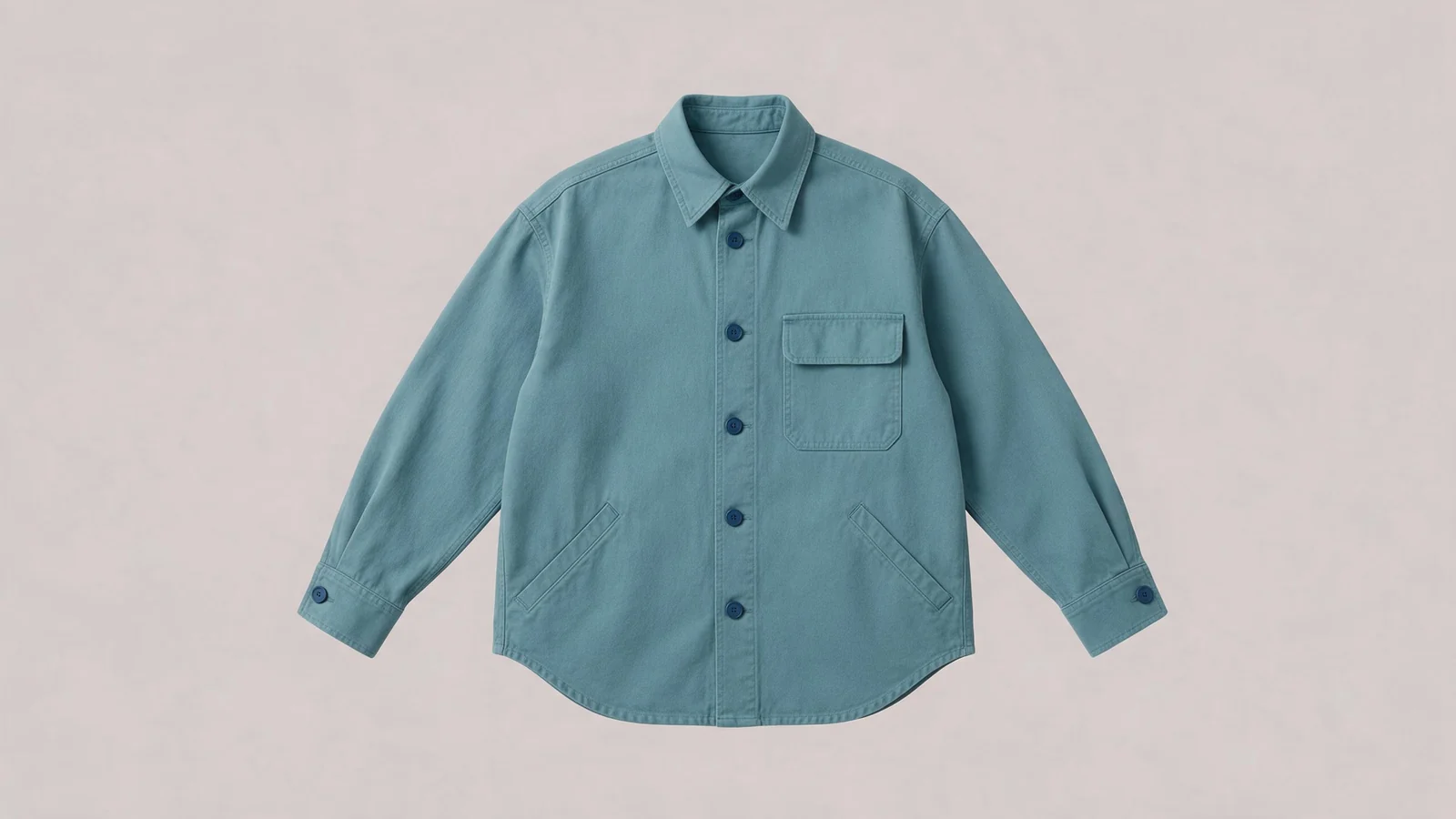
Build a simple shot list beside the product record. For each image, note the view, the product revision and the feature it supports. Reject a beautiful photograph if it shows an obsolete closure or an accessory that is not included. Check color presentation across views, while recognizing that lighting and screens affect appearance.
Before commissioning those images, use the first product photoshoot brief to specify the required views, editing limits, file delivery and approval checks.
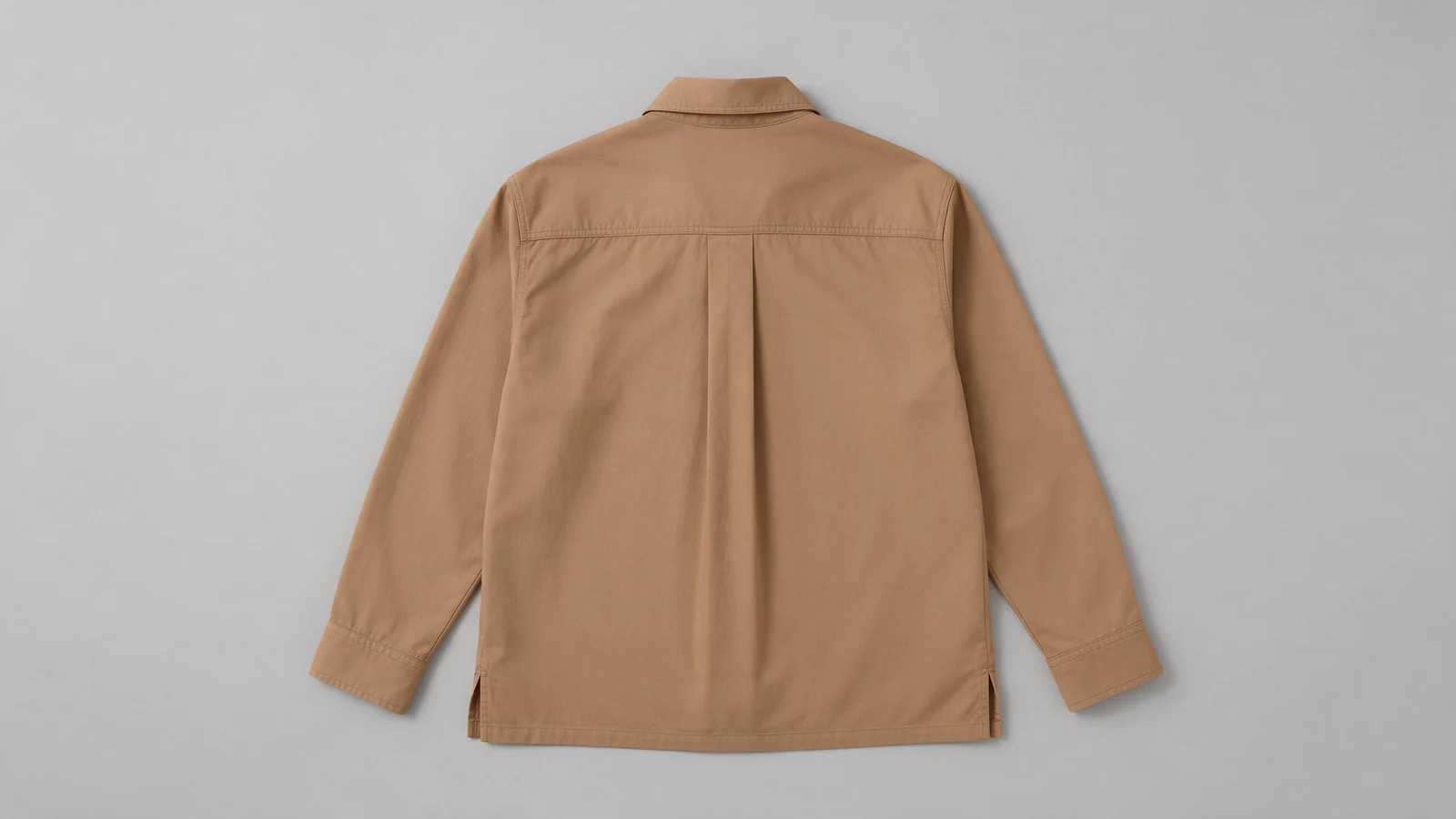
A back view needs its own evidence. Do not infer a pleat, lining or rear pocket from a front photograph. Where different variants have different construction, supply the corresponding view or an explicit explanation; a color selector alone does not tell the buyer what changed.
3. Confirm size and material information separately
State whether your size chart describes body measurements or the finished garment, and show the unit. Name the measurement points and method consistently. A flat chest width and a body chest circumference are different quantities; placing them under the same unqualified heading invites a wrong comparison.
Use the actual specification and checked garment measurements for the offered version. Do not invent measurements from an image or copy another brand's chart because its silhouette looks similar. If a measurement is still provisional, that is an internal task to close, not a number to present as settled. The size-chart and grading guide explains the development work behind those fields.
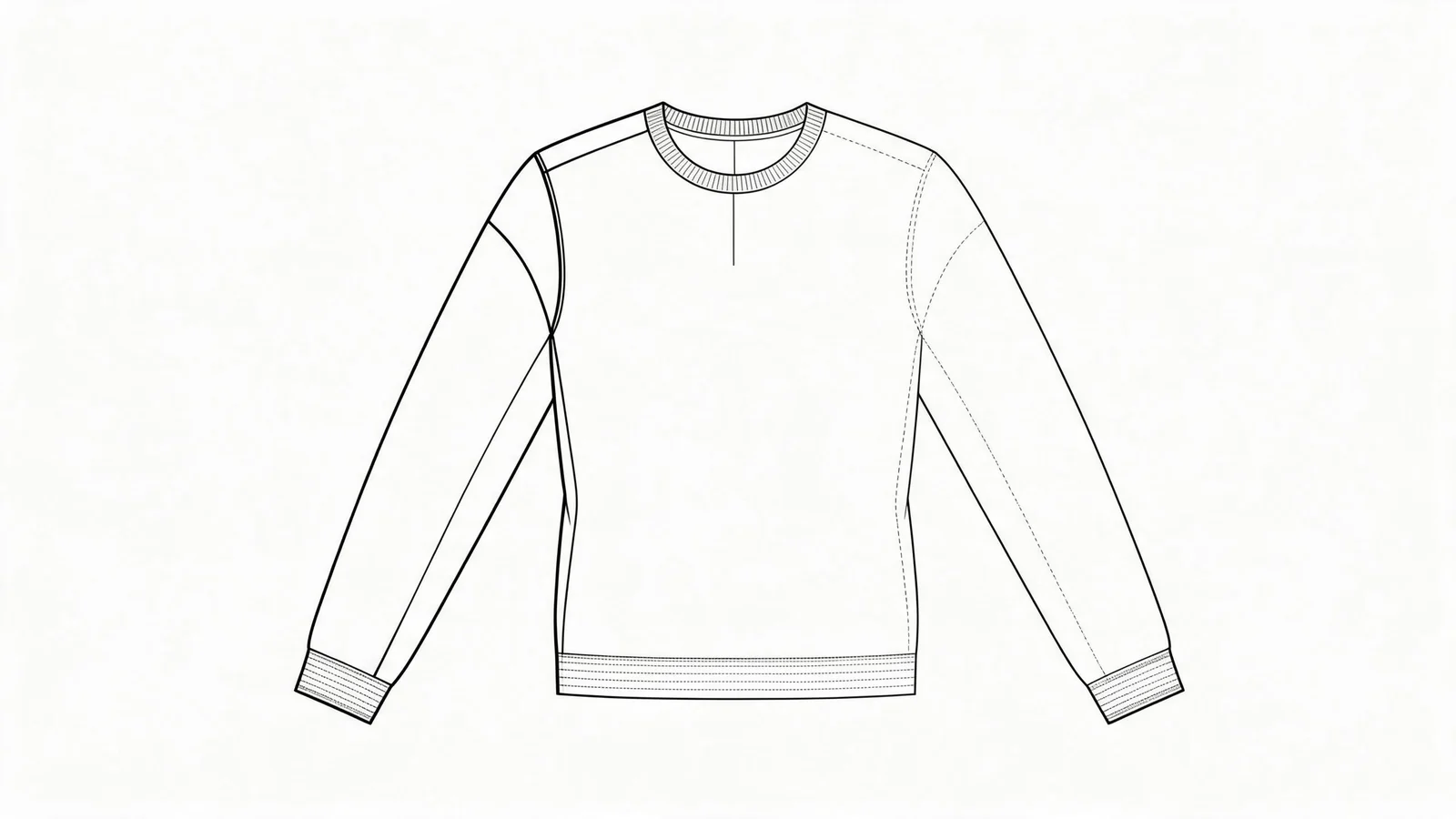
Write fit language in terms you can support. “Boxy shape” describes a visible cut; “fits everyone” does not help someone choose. If you give model measurements or wearing-size advice, use actual consented information and the correct garment version. Without that evidence, omit the claim and provide a clear measurement method instead.
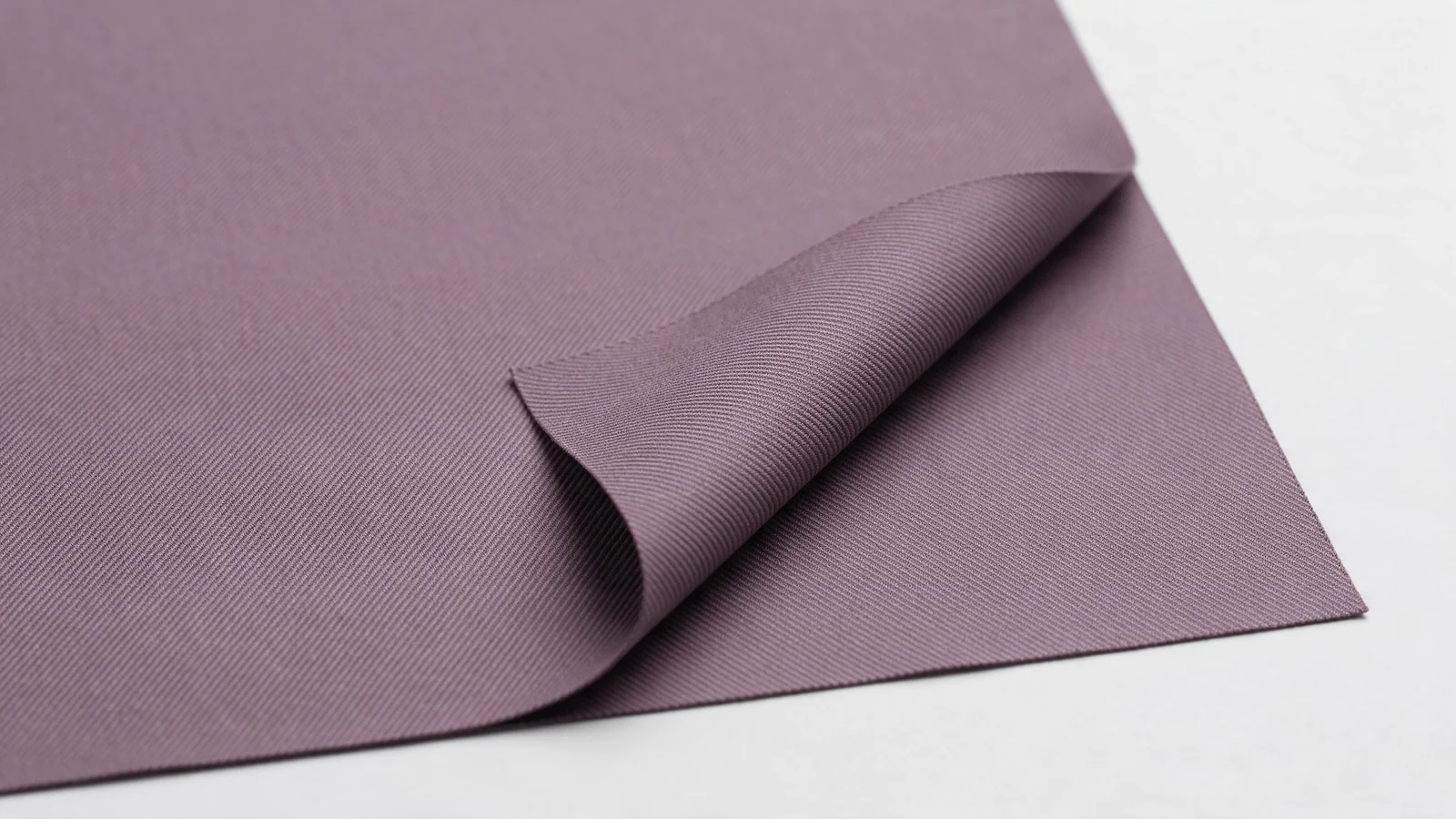
A texture close-up helps someone inspect appearance, but it does not establish fiber composition, fabric weight, shrinkage or durability. Verify those facts from the appropriate material records and agreed checks. Keep separate components separate where their materials differ. Do not extend a claim from one fabric swatch to a complete garment with different trims or decoration.
4. Check market information before writing promises
For a U.S. selling example, check the applicable FTC textile-labeling and online-origin guidance. FTC guidance explains that most covered textile and wool products need fiber content, country of origin and responsible-business identification on their labels. It also addresses origin disclosures in internet sales descriptions. Which product and disclosure rules apply needs checking for the actual item; a generic product-description template does not settle that question.
Care wording needs a basis too. The FTC Care Labeling Rule guidance requires a reasonable basis for instructions, considering the garment and its components. Do not choose an easy-sounding wash instruction from an attractive sample photo. Confirm the applicable care information for the finished construction before copying it into your storefront.
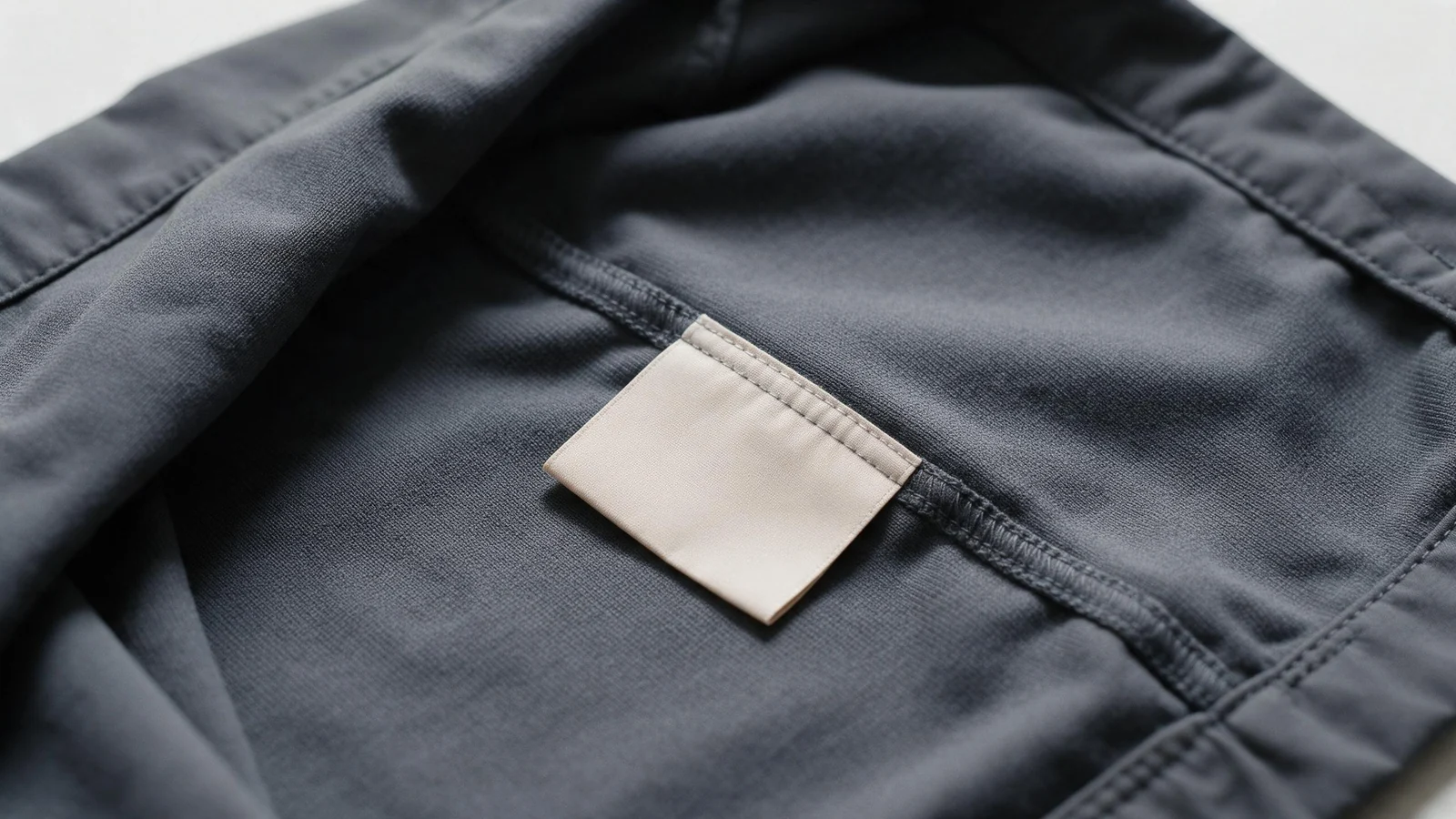
These are U.S. examples, not a global labeling checklist. For another destination, check its applicable requirements. A brand name on a neck label and a blank information-label layout are not evidence that mandatory information is complete. Use the label and packaging guide to organize components, then verify the actual wording and placement for the product and market.
Treat broader benefits with the same discipline. “Organic,” “waterproof” or a specific durability result needs relevant support and a defined scope. If support is missing, remove the assertion rather than soften it with “premium.” Shopify's product-description guidance suggests explaining useful details and supported benefits; that is storefront advice, not a legal compliance certificate.
5. Use a release table that exposes open decisions
Keep the working table private. It should point to evidence and the person who can resolve each gap, rather than award a reassuring overall score. One material error can matter more than several completed formatting tasks.
| Field | Evidence to connect | Hold or remove when |
|---|---|---|
| Variant and media | Offered variant, approved reference, dated image set | A picture shows an old feature or an unavailable variant |
| Size and fit | Chart type, units, measurement method, checked specification | Measurements are guessed or the chart basis is unclear |
| Material and care | Component information and relevant supporting records | Composition or care wording has no confirmed basis |
| Price and offer | Variant price, currency, what is included and applicable charge disclosures | The displayed price or package differs from the intended offer |
| Availability and delivery | Stock or preorder status, confirmed dispatch basis, destination limits | The page presents an estimate as a guarantee |
| Returns and support | Applicable policy, reachable contact route, destination review | A policy is missing, contradictory or copied without checking applicability |
Add status, owner, source reference and decision date to every row. Use “confirmed for this version,” “to confirm” and “do not claim.” Removing an unsupported optional benefit may allow the page to proceed. Missing information necessary to choose or order the product calls for a hold until it is resolved.
6. Preview each variant, then make a release decision
Review the unpublished page on desktop and a narrow phone screen. Select every offered variant and compare its images, price, availability and size information with the record. Open the size-chart and policy links. Confirm that readable text accompanies important information embedded in images. Shopify's media guidance also cautions that storefront files can be public: keep private supplier documents, customer information and internal approvals out of uploaded assets.
Check the order path in the platform's preview or test environment without making a real payment. Record what you actually verified and where further testing remains. A page loading successfully does not establish payment, fulfillment or email delivery. Resolve those operational checks through the appropriate storefront setup before launch.
- Release: the offer matches the confirmed product version, the necessary purchase information is complete, and the relevant storefront checks have passed.
- Hold: a material fact, variant, policy or operational step remains unresolved. Name the owner and the evidence needed.
- Revise: remove an unsupported optional claim or replace obsolete media, then review the affected fields again.
Save the approved page version and product references together. Recheck them after a fabric, fit, trim or offer change. If the missing answer belongs to garment development, organize it in your technical brief and send GoVoloom the specific product questions. Supplier confirmation can support the garment facts; the brand still needs a complete, consistent consumer offer.
Questions at the release decision
Can I publish a preview before the sample is approved?
A non-orderable preview can explain the development status and gather interest. Keep unconfirmed features explicit and do not present provisional media or measurements as the final offer. Opening orders needs a separate review of product facts and selling terms.
Can one size chart cover every product?
Only use a shared chart where its basis and values genuinely apply. Check the measurement type, method, units, fit and offered garment version. A similar-looking silhouette does not establish the same measurements.
What should I do with an unsupported benefit claim?
Remove it from the sale page until you have relevant support and a clear scope. Decide separately whether any remaining missing information prevents a buyer from choosing or ordering the product accurately.
Source notes: FTC textile and wool labeling guidance and Care Labeling Rule guidance inform the U.S. examples. Shopify Help Center guidance informs the product-description and public-media checks. Sources checked October 22, 2026. The release record is an editorial workflow suggestion; market requirements must be checked for the actual product and destination.
