
Adult Clothing · Starting a Brand
Changing Clothing Manufacturers Before Bulk Production
Before changing clothing manufacturers, confirm your transfer permissions, file versions and physical references. Have the new team check the files and review a fresh sample. Agree any new work, fees and approvals before bulk production.
This guide is for an adult clothing brand moving an already-developed style before its first bulk order. If you are still choosing a supplier, start with the manufacturer comparison guide. When you switch clothing manufacturers, carry forward the decisions already made and keep open work visible.
What are you transferring?
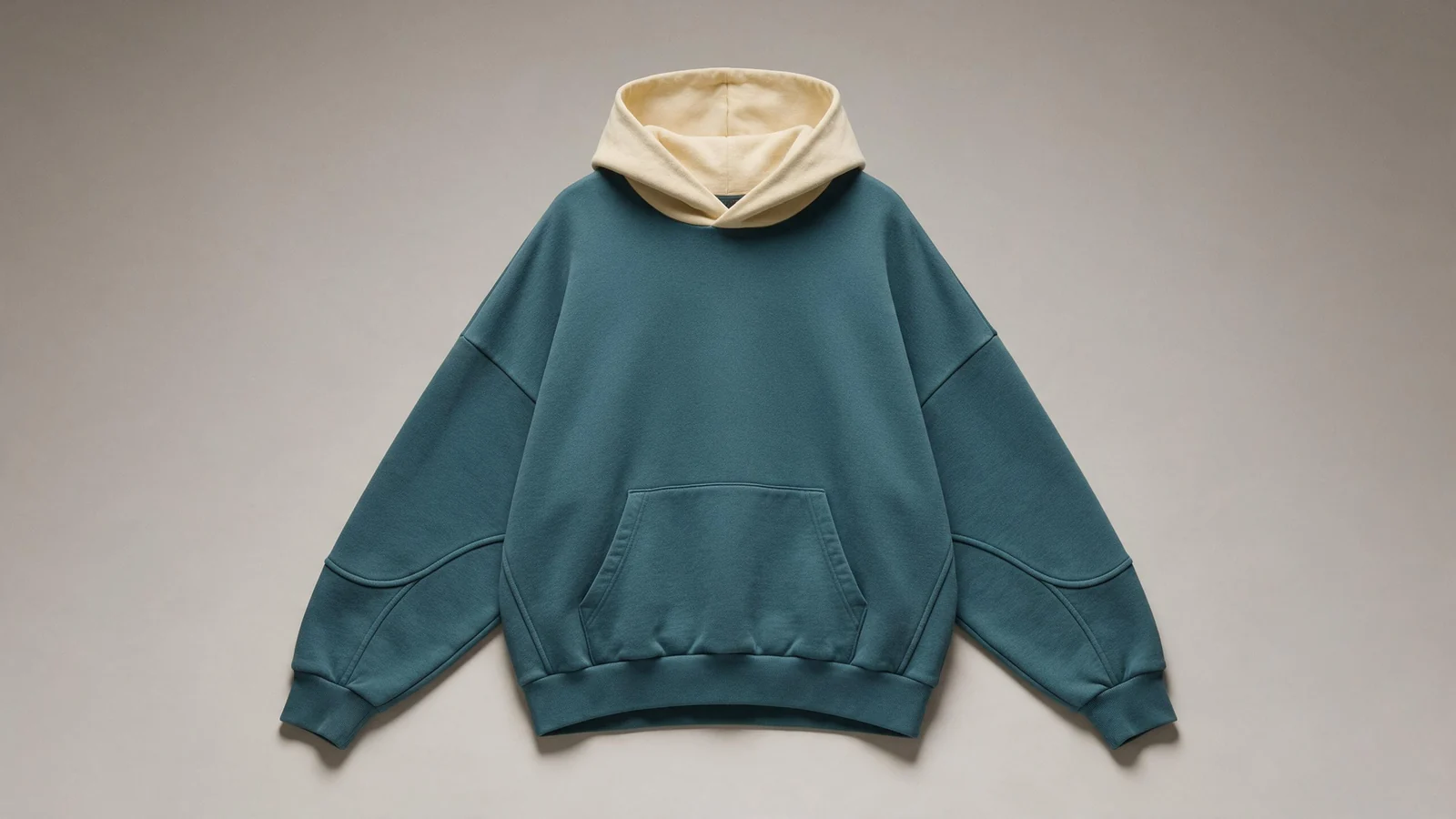
Separate the garment you want to make from the development work you have actually received. You may have a sample and a PDF specification while the editable pattern, grading or artwork remains elsewhere. List each item on its own.
Give the handover a style code, date and revision. Include the current measurements, material list, construction details, artwork and sample references. State which decisions are settled and which are still open. Use the tech pack sections checklist to find gaps.
Archive older revisions. Tell the new team which version to review.
Techpacker's version help describes dated versions and shared read-only copies. Use that distinction to keep an editable master separate from the copy sent for review. (Techpacker, “How to create a techpack version,” updated February 13, 2026.)
Ask the new team to name the files it needs for the proposed work. Do you need a PDF review, a pattern change or a new size range? Ask for a quote for the work you need.
Which files can you pass on?
Check your agreements before sharing design, pattern, artwork or other development files. Check what you are due to receive and how another manufacturer may use it. Check source-file access and reuse terms even if you have paid for development.
WIPO recommends clarifying design ownership in the original agreement with the designer. The answer for your style depends on the actual agreements, the rights involved and the applicable jurisdiction. Seek qualified advice if those terms are unclear or disputed. (WIPO, Looking Good, 2019 copyright edition, section 13.)
- List the files and formats you are due to receive, including editable versions.
- Check permission to share and use each item for the intended new production arrangement.
- Check any conditions you must meet to get the files or develop the style further.
Record an unresolved item as pending. Do not replace it with a downloaded competitor pattern or someone else's artwork. For new development, choose a reference you have permission to use. Agree what the new work will cover.
Can the new team use the files?
Ask the receiving team to open the actual files and report what it can use. “Sent” and “downloaded” are delivery statuses. The team still needs to check the imported scale and required sizes.
For a CAD pattern, agree the receiving format and units before export. Have the new pattern team check the intended cutting or sewing lines, notches and graded sizes after import. CLO's DXF documentation lists options for these elements. The settings and checks depend on the software used by both parties. (CLO Help Center, “2D Pattern (DXF) Import/Export,” updated July 15, 2026.)
If you receive only a base-size pattern, mark grading as missing. Ask whether the new team will receive the existing size set or quote new grading. Do not label the package “production ready” while that choice remains open.
Check artwork separately. Open the file and check the intended print dimensions. Make sure the required fonts and linked assets are available with permission.
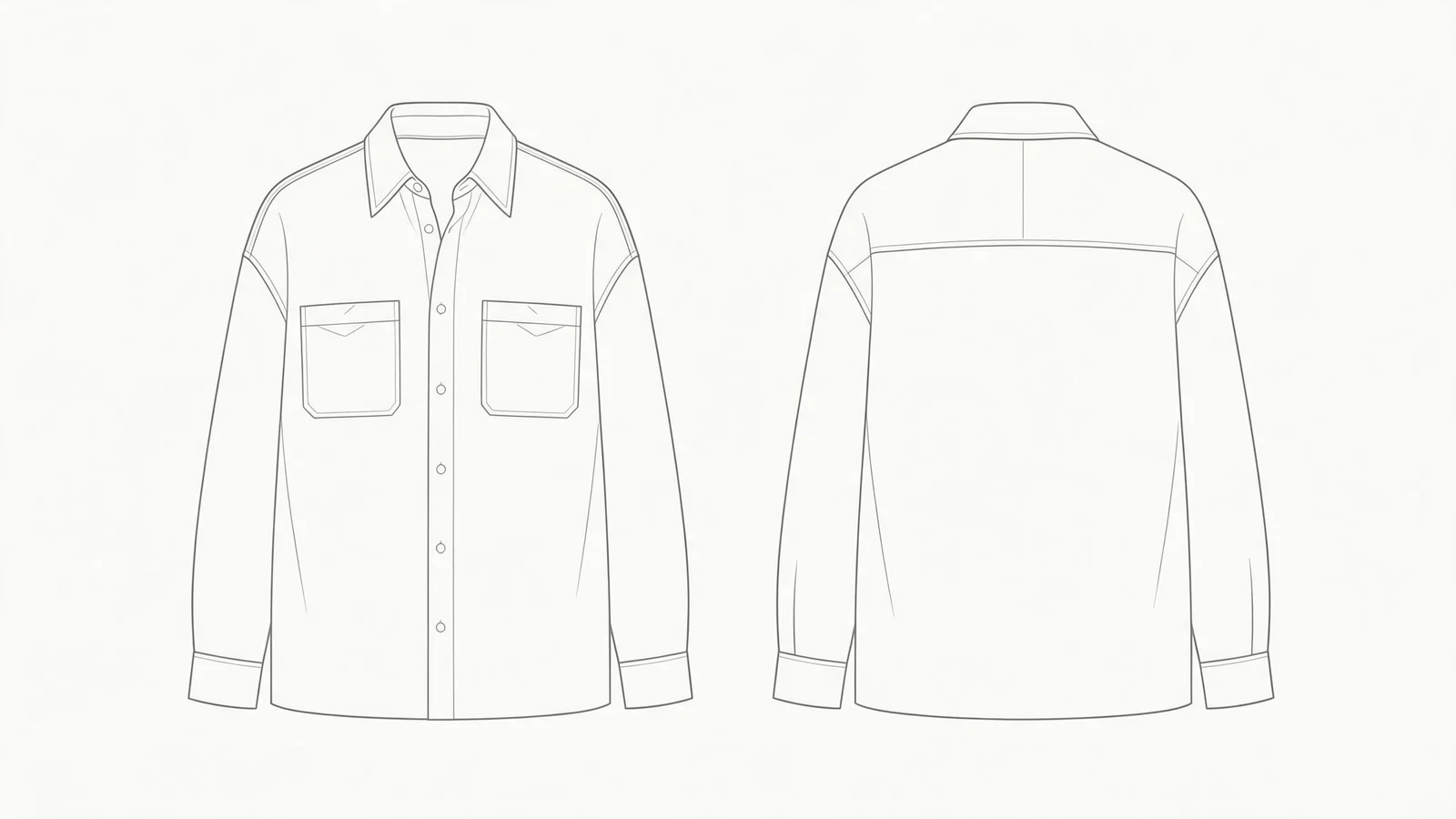
Use the garment drawing to explain placement and construction. Supply the usable pattern and full specification separately.
Which physical references should travel?
Give each garment sample and material reference an ID. Add a note explaining what it shows. Record where each item is, who will receive it and how receipt will be confirmed. Keep your own record before dispatch.
Describe the limits of the sample approval. A sample may show the intended fit while using a temporary fabric or trim. List those exceptions so the new team can check each open detail.
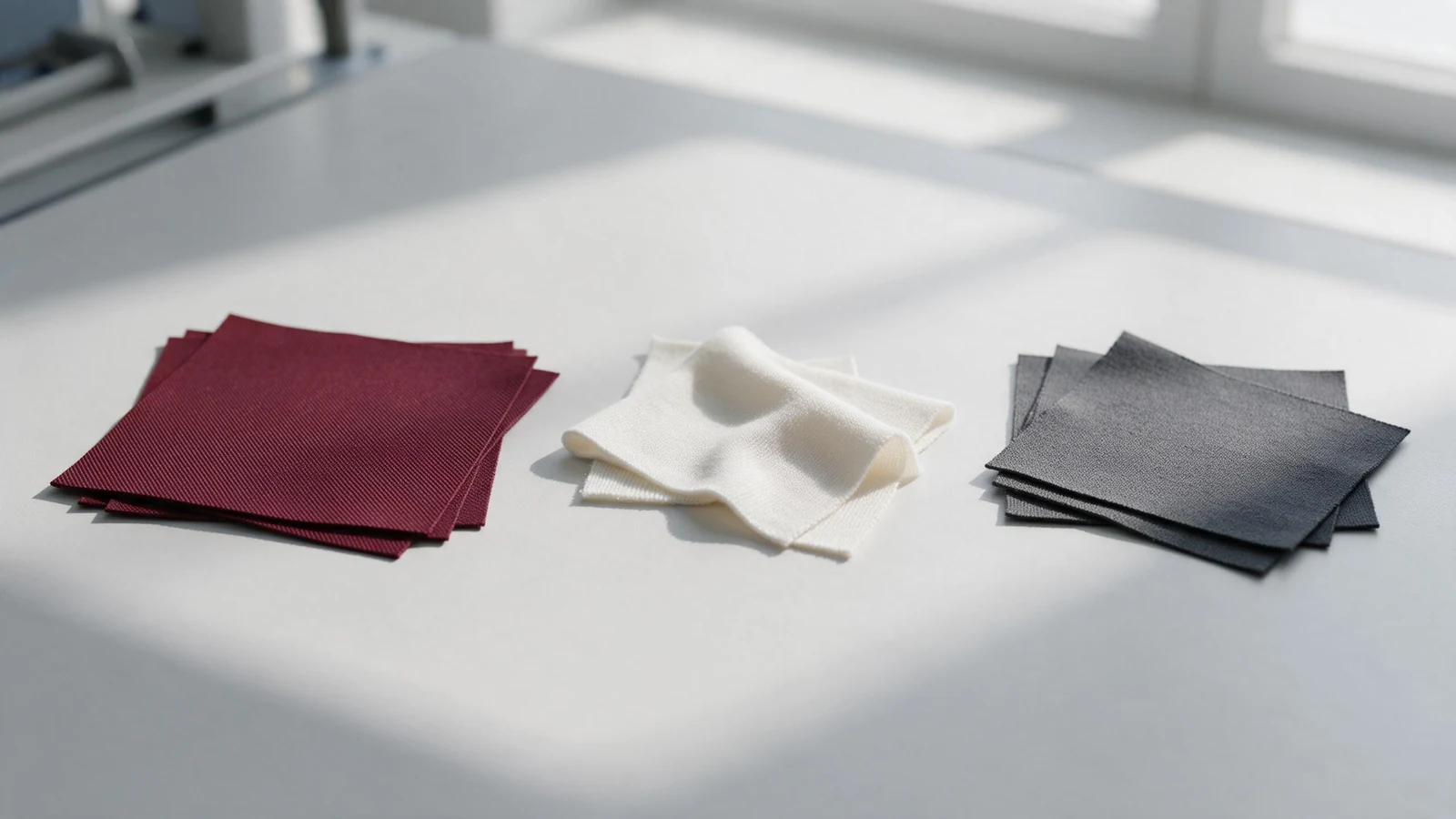
Link fabric swatches, trims and labels to the material list. Add the known material and color references, along with the agreed requirements. Mark unknown details for confirmation rather than inferring fiber content, weight or performance from a photograph.
Techpacker's tech pack guide places the bill of materials and revision history in the product record. Use the same references across the files and physical items. If a material must change, work through the stock or custom fabric decision before accepting a substitute. (Techpacker, “The Ultimate Guide to Tech Packs in Fashion,” July 30, 2026.)
What needs a fresh sample check?
Arrange a fresh sample check with the new manufacturer before committing to bulk. Use the retained specification for that review. List what the review should check and the materials it will use. Say what you can approve from the results.
Check the new sample against the measurements, construction notes, material references and approved details. Record the result by feature. Record any difference in measurement or finish. Ask for a response before you approve it.
Keep useful earlier decisions as references. Check the results from the new production route separately. If patterns, fabric, trims or decoration change, check how that affects fit, appearance and the agreed checks.
Agree the project tests and the results needed to pass. Matching photographs cannot prove performance.
Write the decision clearly. Examples include “revise this measurement” and “approve this feature for sample revision 2.” Keep unresolved points visible. The sample review guide explains how to connect comments, revisions and approval records.
What happens when information is missing?
Decide whether the missing item will be supplied or developed again. Ask the new team which existing work it can use and what it needs to develop. For each new task, record the fee, required inputs, files or finished work to be supplied, and review steps.
Fill this original clothing manufacturer handover checklist with your actual references and responses. Link each open decision to the check needed.
| Handover item | Record | Receiving check | If incomplete |
|---|---|---|---|
| Permission and scope | Agreement and permitted use | Confirm the proposed use is covered | Resolve permission before sharing or reuse |
| Specification | Style, filename and revision | Confirm the reviewed version | Request the missing decisions or corrections |
| Pattern and sizes | Format, units, sizes | Check imported lines, marks and sizes | Agree re-export or development |
| Artwork | File, dimensions and placement | Check usable assets and permissions | Request the source or quote authorized work |
| Materials and sample | Physical IDs and approval limits | Confirm receipt and any differences | Agree replacement references and review |
| Open work | Task, owner and required input | Agree scope, fee and inputs | Keep the affected release pending |
Track each item through promised, received, opened and checked. Add the responsible person and next action. A folder containing every promised filename can still have missing content or an obsolete revision.
Compare the revised quote with the earlier one. Check both development and bulk work. Ask which costs are new and which work is already included. Ask how open decisions affect timing before you rely on a delivery date.
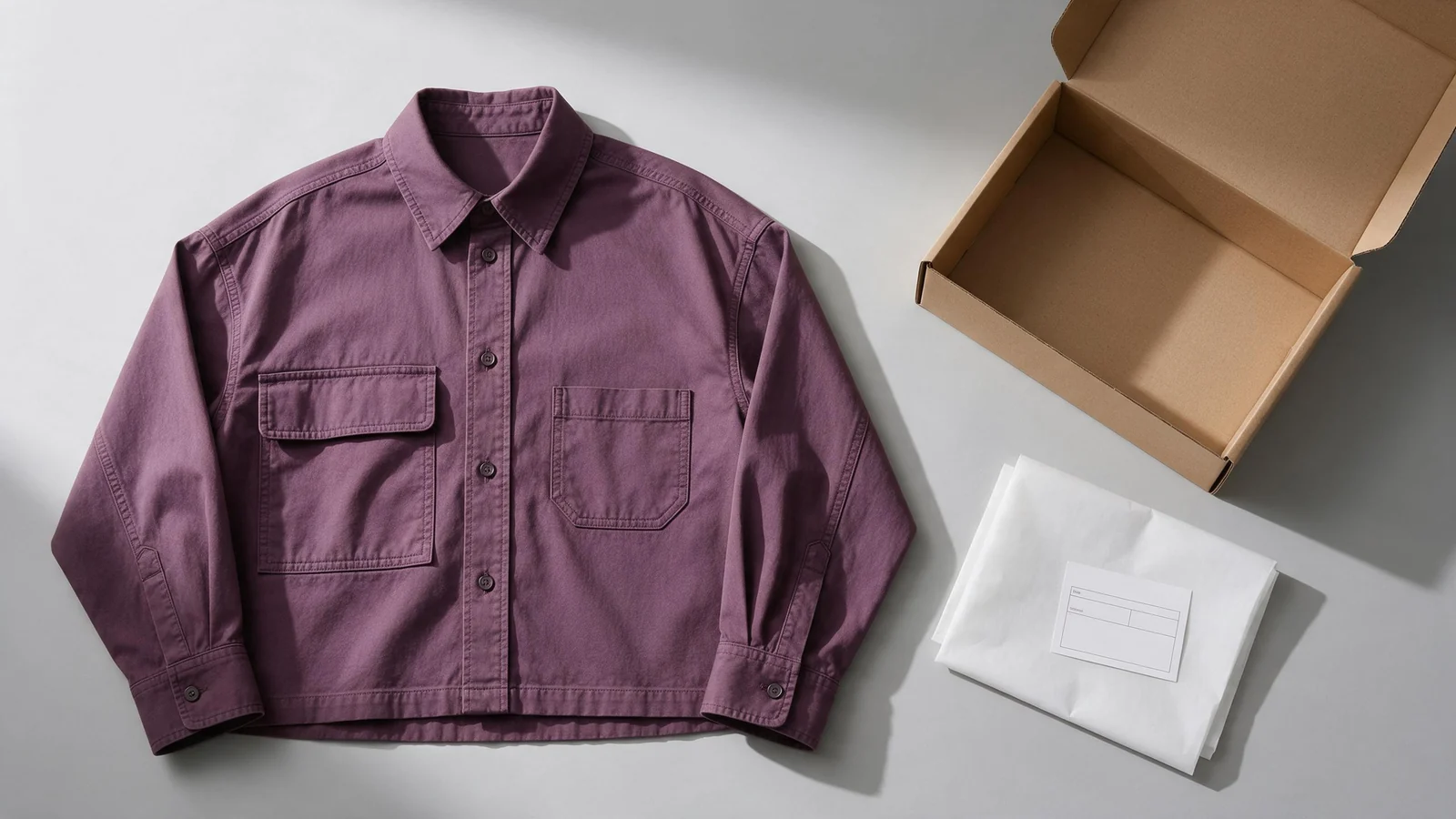
When is the handover ready for a bulk order?
Approve the next step only when its required documents and decisions are complete. Check that the team has the right file versions and can use them. Confirm the material references and sample decisions needed for that stage.
Before authorizing bulk, close the points that could change the garment or order. Record the accepted specification, quantities and price in the order documents. Add the inputs and approvals needed to meet the schedule.
Name the person who can approve later changes. Agree how to send those changes to the people doing the work.
Keep the handover list with the supplier's written response and the sample review. If an item is still missing, agree what work can proceed while you wait. For example, approval to review received files does not authorize material purchase or bulk cutting.
For GoVoloom custom bulk clothing manufacturing, MOQ is 100 pieces. To discuss a transfer, send your style brief and handover list. Include the files and physical references you have permission to share.
We will review the usable inputs and agree any development and sample checks with you. Fees, quantities and timing need confirmation for your project. Use the tech pack worksheets to organize any missing details before that review.
